Latest from Our Blog
Tips, guides, and insights about text to speech technology
Convert any text into natural-sounding audio in seconds. No signup, no cost — just type and listen.
We built TTSVerse because we believe everyone deserves a voice — whether you're a student, creator, or someone who just needs to hear their content out loud.
Our voices are powered by advanced AI that mimics natural human speech patterns — no robotic tone, no awkward pauses.
No hidden charges, no account needed. Just open the site, type your text, and hit play. It's that simple.
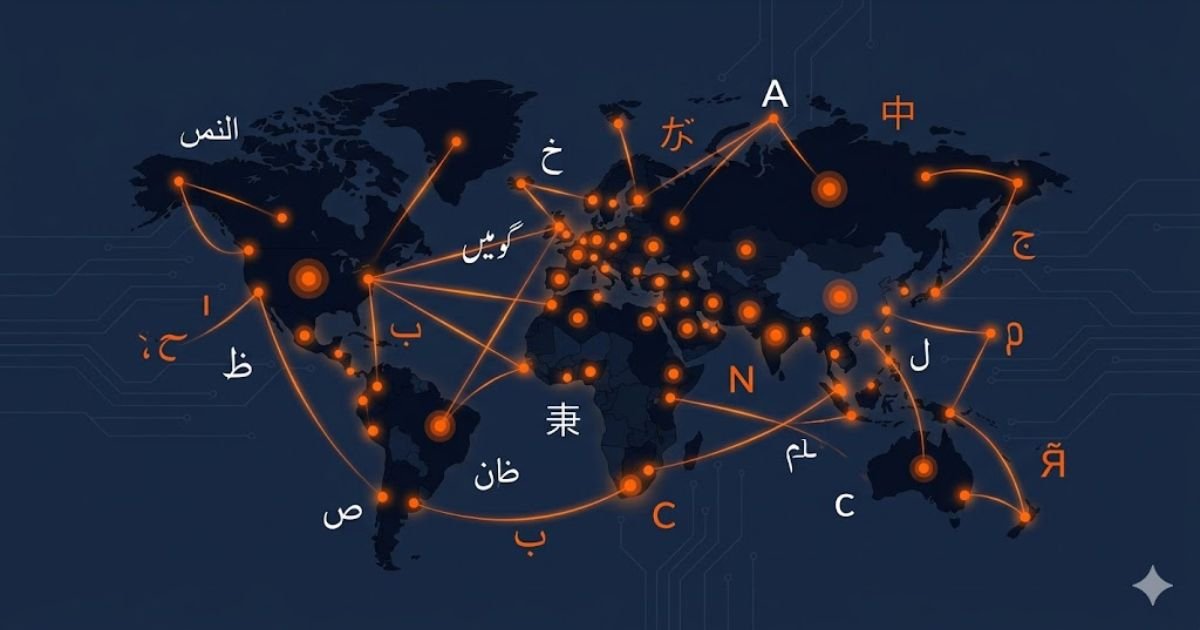
From English and Urdu to Japanese and Portuguese — TTSVerse speaks your language, literally.
From classrooms to content studios — our tool fits into everyday life in more ways than you'd expect.
Paste your study notes and listen while commuting. Retain more by combining reading with listening.
People with dyslexia, visual impairments, or reading difficulties can access any written content effortlessly.
Need a quick voiceover or intro audio? Generate clean, professional-sounding speech in under a minute.
Add narration to your YouTube videos, reels, or tutorials without recording your own voice.
Convert long emails, reports, or articles into audio so you can stay informed even on the go.
Hear correct pronunciation in any language. Practice speaking by listening to native-like voices.
Text to speech technology has come a long way from the robotic voices of the early 2000s. Today, AI-powered TTS tools like TTSVerse produce audio that sounds remarkably close to a real human voice — with natural pauses, correct pronunciation, and expressive tone.
Whether you want to listen to a long article during your commute, create a voiceover for your next YouTube video, or help a child with reading difficulties — text to speech tools have become an essential part of everyday digital life.
At TTSVerse, we believe this technology should be accessible to everyone. That's why we've built a completely free platform with no registration required. Just open the site, type your text, choose a voice, and hit play.
With support for over 100 languages and dozens of natural-sounding voices, TTSVerse is one of the most versatile free TTS tools available today. You can adjust the speed and pitch to get exactly the tone you want, and download the result as an MP3 file to use anywhere.
Getting your audio ready takes less than 30 seconds. Here's all you need to do:
Choose your language and voice
Type or paste your text
Adjust speed and pitch
Click Play or Download MP3
Tips, guides, and insights about text to speech technology
Yes, TTSVerse is completely free to use. There are no hidden charges, no subscription fees, and no account required. Simply visit the site, type your text, and convert it to audio instantly.
TTSVerse supports over 100 languages including English, Urdu, Arabic, French, German, Spanish, Japanese, Portuguese, Hindi, and many more. You can select your preferred language from the dropdown menu on the home page.
Yes! Once your audio is generated, you can download it as an MP3 file by clicking the Download MP3 button. The file is yours to keep and use anywhere you like.
You can convert up to 5000 characters per use. This is enough for several paragraphs of text. The character counter on the tool shows how many characters you have used in real time.
TTSVerse uses Microsoft Azure Cognitive Services neural voice technology, which produces some of the most natural-sounding AI voices available today. The voices are clear, expressive, and sound remarkably close to a real human voice.
Audio generated through TTSVerse is powered by Microsoft Azure. For commercial use, please review Microsoft Azure Cognitive Services terms of use to ensure compliance with their licensing policies.
Use the Speed slider to make the voice faster or slower, and select Low, Normal, or High for the pitch. Both controls are available directly on the tool before you generate your audio.
TTSVerse does not store the text you enter. Your input is processed in real time to generate audio and is not saved on our servers. Please review our Privacy Policy for full details.
All audio generated by TTSVerse is available for download in MP3 format, which is compatible with virtually all devices, media players, and platforms.
Yes! TTSVerse is fully responsive and works smoothly on smartphones and tablets. No app download is required — just open ttsverse.live in your mobile browser and start converting text to speech.